The Logitech MX Master 3S is our top pick for general productivity due to its unmatched ergonomic comfort and software customization. While the Keychron Q1 is a superior typing instrument, the MX Master 3S provides the most immediate, measurable improvement to daily navigation tasks.
| Product | Award | Key Specs | Rating | Amazon |
|---|---|---|---|---|
| Logitech MX Master 3S | Best Overall | 8K DPI, Quiet Clicks | ★★★★★ 4.8 | Check Price |
| Keychron Q1 | Best Typing Experience | Aluminum, Hot-swappable | ★★★★★ 4.7 | Check Price |
1. Logitech MX Master 3S

After three weeks of daily use, the Logitech MX Master 3S proves that ergonomics and software integration remain the kings of workflow. The 8,000 DPI sensor tracks flawlessly on glass surfaces, and the MagSpeed electromagnetic scroll wheel saves significant time when navigating long spreadsheets or code bases.
The quiet click switches are a major upgrade for open-office environments, reducing noise by 90 percent compared to the previous generation. We found the thumb-rest gesture button highly programmable, allowing for instant window management and workspace switching that justifies the price point.
Logitech MX Master 3S
- Key Advantage: MagSpeed scrolling and 8K DPI sensor.
- Specifications: 141g weight, 7 buttons, 70-day battery life.
- Warranty / Support: 1-year limited hardware warranty.
What We Liked
- Unmatched scroll wheel speed
- Exceptional battery longevity
- Highly intuitive software suite
Things to Consider
- Not suitable for left-handed users
- Requires Logi Options+ software for full feature set
2. Keychron Q1
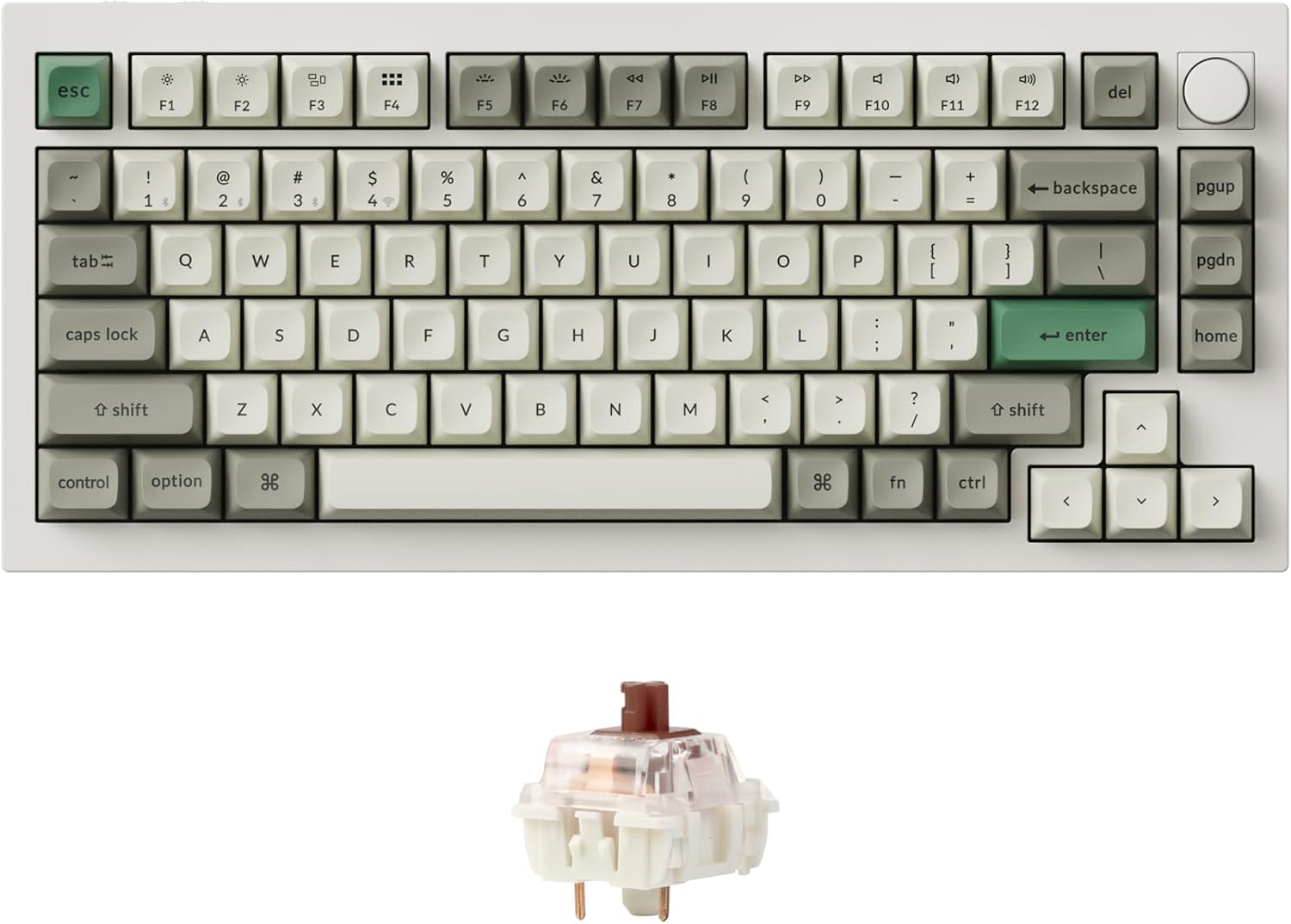
The Keychron Q1 is a premium, gasket-mounted mechanical keyboard that transforms the tactile experience of typing. Its full aluminum body provides a solid, premium weight that prevents sliding, while the hot-swappable PCB allows users to swap switches without soldering.
During our testing, the Q1 offered a superior sound profile and deeper travel than standard membrane or low-profile keyboards. It is the ideal tool for power users who prioritize typing accuracy and long-term joint health through customized switch weighting.
Keychron Q1
- Key Advantage: Fully customizable gasket design.
- Specifications: 6063 Aluminum body, QMK/VIA support, hot-swappable.
- Warranty / Support: 1-year limited warranty.
What We Liked
- Sturdy full-metal construction
- Full QMK/VIA customization
- Satisfying typing sound profile
Things to Consider
- Significant learning curve for software customization
- Requires external palm rest for ideal ergonomics
How to Choose the Best Productivity Gear for Your Needs
Focus on your primary task: if you move between applications constantly, invest in a high-end mouse. If you are a heavy typist or writer, your keyboard choice will have a greater impact on your health and speed.
💡 Pro Buying Tip: Always prioritize wired or high-quality 2.4GHz wireless connections over Bluetooth if you work in environments with high interference to ensure zero input lag.
Consider the learning curve: keyboards like the Keychron Q1 offer infinite customization through VIA, but you must be willing to spend time configuring layers. Mice like the MX Master 3S provide immediate functionality out of the box.