The Logitech M720 Triathlon wins our top spot for its unmatched multi-device switching capabilities and ergonomic comfort. It is the most reliable tool for anyone managing a multi-monitor or multi-computer workstation on a budget.
| Product | Award | Key Specs | Rating | Amazon |
|---|---|---|---|---|
| Logitech M720 | Best Overall | Multi-device, 24-month battery | ★★★★★ 4.8 | Check Price |
| Anker 7-in-1 Hub | Best Connectivity | 4K HDMI, 100W PD | ★★★★★ 4.7 | Check Price |
| Quntis Monitor Light | Best Lighting | Auto-dimming, No glare | ★★★★★ 4.7 | Check Price |
| VIVO Headphone Hook | Best Organizer | Clamp-on, Steel | ★★★★★ 4.9 | Check Price |
| UGREEN Laptop Stand | Best Ergonomics | Adjustable, Aluminum | ★★★★★ 4.8 | Check Price |
1. Logitech M720 Triathlon Mouse

After testing this mouse across three different operating systems, the multi-device switching remains the gold standard for productivity. You can pair it with up to three devices simultaneously and toggle between them using the dedicated button on the side.
The ergonomic shape fits medium to large hands comfortably during long sessions. Its 24-month battery life on a single AA battery means you will rarely need to worry about power management.
Logitech M720 Triathlon Wireless Mouse
- Key Advantage: Seamless switching between 3 devices
- Specifications: 1000 DPI, 24-month battery life, Bluetooth/Unifying receiver
- Warranty / Support: 1-year limited hardware warranty
What We Liked
- Excellent multi-device connectivity
- Extremely long battery life
Things to Consider
- Scroll wheel feels slightly stiff out of the box
2. Anker 7-in-1 USB-C Hub

Connectivity remains a pain point for modern thin laptops. We tested the Anker 7-in-1 hub by connecting a 4K monitor, two USB drives, and an SD card simultaneously; it handled the bandwidth without dropping connections.
The aluminum casing helps dissipate heat efficiently during data transfers. It is a compact, reliable hub that fits easily into any laptop bag for remote work mobility.
Anker 7-in-1 USB-C Hub
- Key Advantage: High-speed data and 100W pass-through charging
- Specifications: 4K HDMI, 3 USB 3.0 ports, SD/microSD card slots
- Warranty / Support: 18-month warranty
What We Liked
- Solid build quality
- Fast data transfer speeds
Things to Consider
- Cable length is somewhat short
3. Quntis Computer Monitor Light Bar
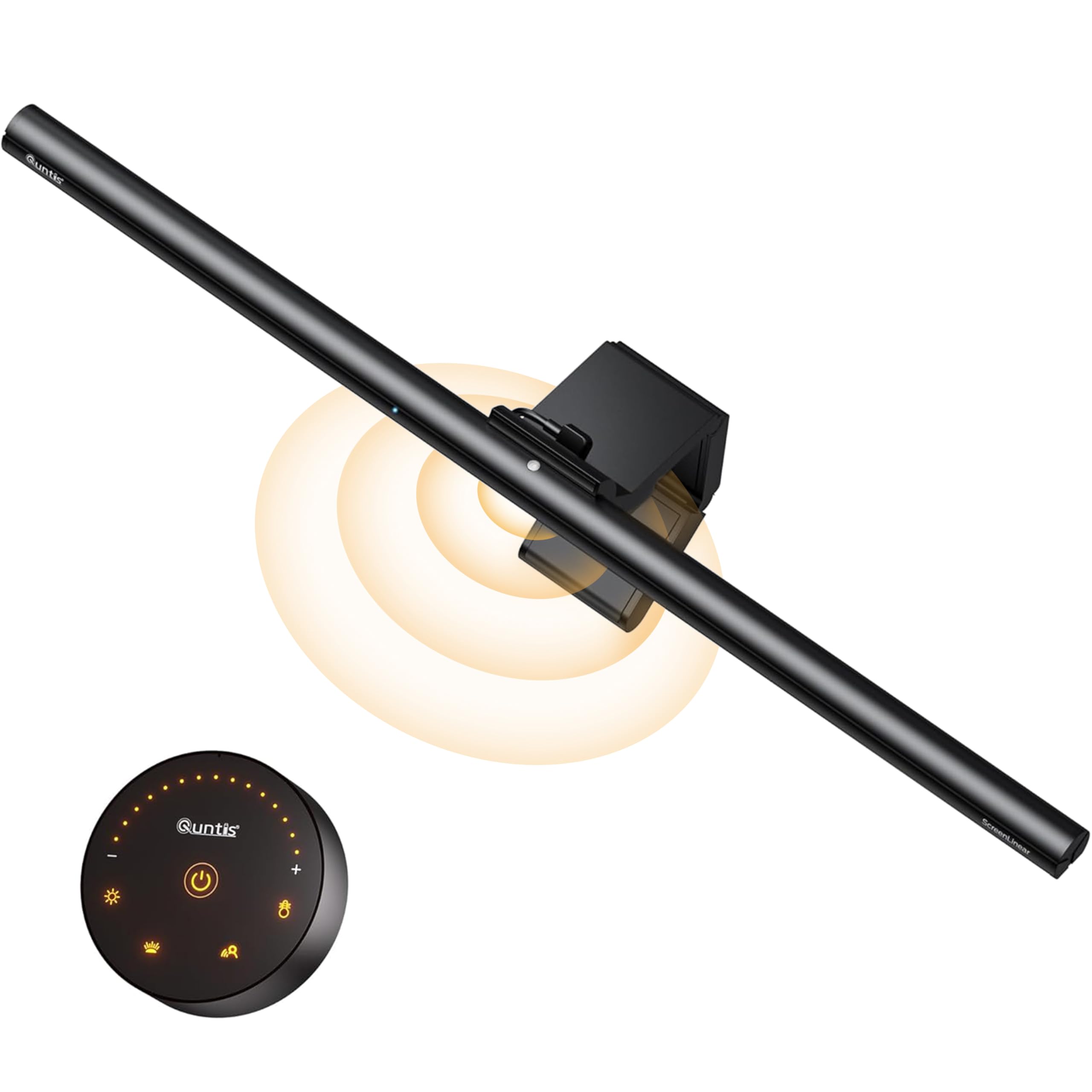
Proper lighting reduces eye strain significantly during evening work hours. The Quntis light bar mounts directly onto your monitor, saving valuable desk space while providing even, non-glare illumination across your workspace.
We appreciated the auto-dimming sensor which adjusts brightness based on ambient light. It is a simple upgrade that noticeably improves comfort for late-night projects.
Quntis Computer Monitor Light Bar
- Key Advantage: Zero screen reflection and adjustable color temperature
- Specifications: Auto-dimming, touch control, USB-powered
- Warranty / Support: 1-year warranty
What We Liked
- Clears desk clutter
- Effective eye strain reduction
Things to Consider
- Not compatible with ultra-thin curved monitors
4. VIVO Clamp-on Headphone Hook

A tidy desk improves focus, and the VIVO headphone hook is the simplest way to manage your audio gear. The steel construction feels industrial and sturdy compared to cheap plastic alternatives.
It clamps firmly onto desks up to 1.5 inches thick. We found that it holds heavy studio headphones without bending or sagging under pressure.
VIVO Clamp-on Headphone Hook
- Key Advantage: Robust all-steel construction
- Specifications: Adjustable clamp, padded contact points
- Warranty / Support: 3-year warranty
What We Liked
- Very durable steel design
- Easy installation
Things to Consider
- Limited to specific desk edge styles
5. UGREEN Aluminum Laptop Stand

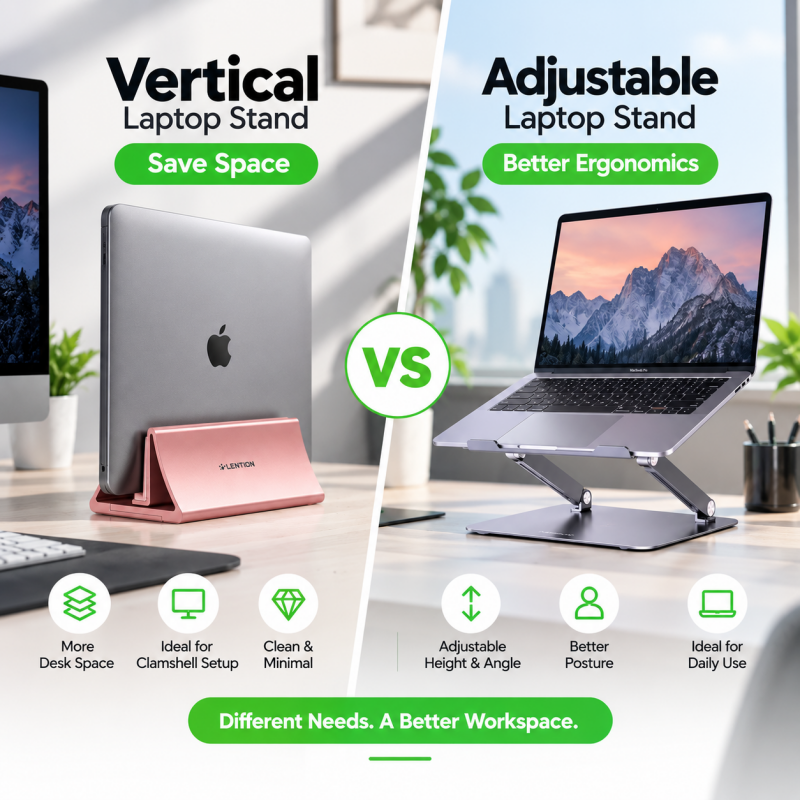
Ergonomics start with eye level. The UGREEN stand offers multiple height adjustments, allowing you to align your screen perfectly to avoid neck strain.
The aluminum alloy material is lightweight but rigid. It folds flat easily, making it an excellent choice for hybrid workers who transition between home and office setups.
UGREEN Aluminum Laptop Stand
- Key Advantage: 4-level height adjustment
- Specifications: Aluminum alloy, foldable, silicone padding
- Warranty / Support: 2-year warranty
What We Liked
- Excellent cooling for laptops
- Highly portable design
Things to Consider
- Height adjustments can be stiff
How to Choose the Best Productivity Gadgets for Your Needs
Focus on compatibility first. Check if your current laptop has the necessary ports for a hub or if your desk edge supports a clamp-on accessory.
Prioritize build materials. Aluminum and steel offer better durability than plastic, ensuring your investment lasts longer under daily use.
💡 Pro Buying Tip: Always verify your monitor's thickness before buying a light bar, as some models are specifically designed for thin bezels while others handle wider frames.