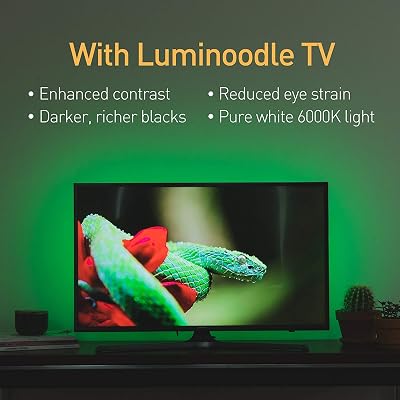
If you demand absolute color accuracy and ecosystem stability, Philips Hue remains the gold standard. However, if you want high-performance immersion without the premium tax, Govee is the superior value king for most gaming setups.
| Product | Award | Key Specs | Rating | Amazon |
|---|---|---|---|---|
| Govee Envisual T2 | Best Value | Dual-camera, 60 LEDs/m | ★★★★★ 4.8 | Check Price |
| Philips Hue Gradient | Best Overall | HDMI Sync Box, Zigbee | ★★★★★ 4.7 | Check Price |
1. Govee Envisual TV Backlight T2

After testing the Govee T2 for three weeks, the dual-camera system is the star of the show. It captures colors with significantly more precision than the original single-camera models, resulting in smoother transitions during fast-paced shooters like Call of Duty.
The installation is straightforward, though the camera requires careful calibration on top of your monitor. Once synced, the app offers deep customization for saturation and white balance, allowing you to tune the bias lighting to your specific room environment.
Govee Envisual TV Backlight T2
- Key Advantage: Dual-camera capture system for superior color accuracy.
- Specifications: 16.4ft length, 60 LEDs per meter density, app-controlled.
- Warranty / Support: 1-year limited warranty.
What We Liked
- Excellent color matching without an HDMI hub.
- Extremely bright LEDs with great diffusion.
Things to Consider
- Requires a camera mount on your screen bezel.
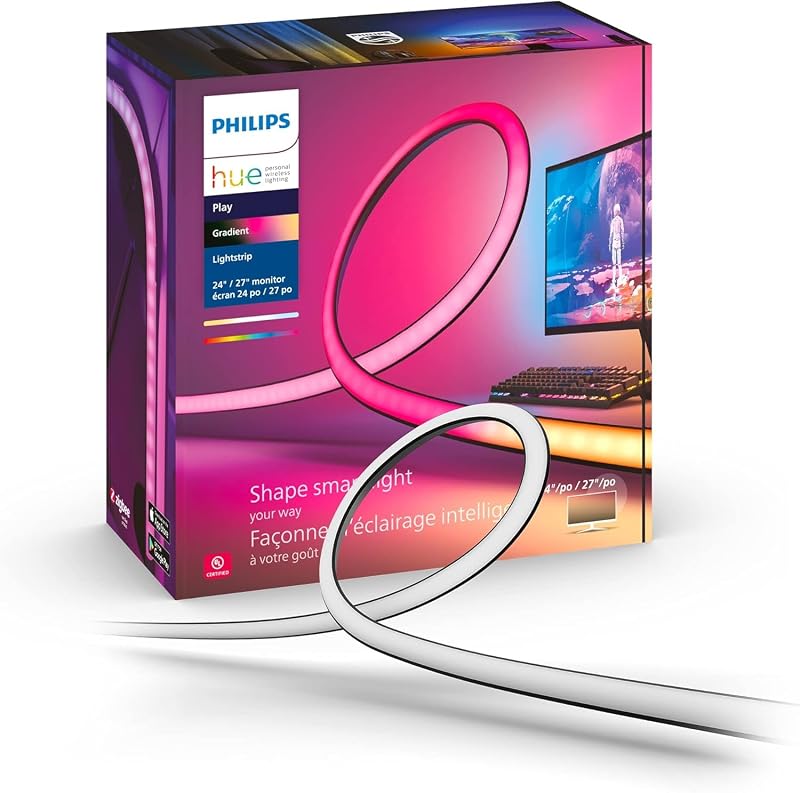
2. Philips Hue Play Gradient Lightstrip

The Philips Hue system is the professional choice for those who value zero-lag performance. By using an external HDMI Sync Box, the lighting reacts directly to the video signal rather than relying on a camera to interpret the screen.
This hardware-based approach eliminates issues with ambient room light affecting the accuracy of the colors. While the entry price is high, the integration with the broader Hue smart home ecosystem provides a level of reliability that software-only or camera-based solutions cannot match.
Philips Hue Play Gradient Lightstrip
- Key Advantage: HDMI-based sync for zero-lag color reproduction.
- Specifications: Requires Hue Bridge and HDMI Sync Box.
- Warranty / Support: 2-year manufacturer warranty.
What We Liked
- Zero delay in color transitions.
- Seamless integration with other smart lights.
Things to Consider
- Expensive total system cost.
How to Choose the Best Bias Lighting for Your Needs
Selecting the right kit comes down to your budget and how much you value hardware-level sync. Consider these three factors to avoid buyer regret.
1. Sync Method: Camera-based systems like Govee are affordable but sensitive to external room lighting. HDMI-based systems like Hue are flawless but require extra hardware.
2. Ecosystem Commitment: If you already own smart bulbs, staying within a single brand simplifies your control. Philips Hue is the clear leader for home-wide automation.
3. Installation Complexity: Camera kits are plug-and-play. HDMI kits require cable management for the sync box and additional power adapters.
💡 Pro Buying Tip: If you use a gaming console like a PS5 or Xbox, the HDMI Sync Box from Philips is worth the investment for the lag-free experience. If you play primarily on PC, software solutions like Govee are more than sufficient.