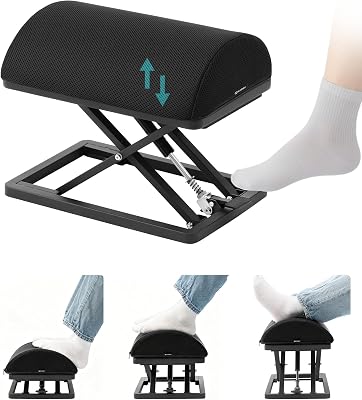
The Herman Miller Aeron remains the gold standard for long-term ergonomic support. Its superior breathability and precise tension adjustments make it the best investment for professional desk workers.
| Product | Award | Key Specs | Rating | Amazon |
|---|---|---|---|---|
| Herman Miller Aeron | Best Overall | Pellicle Mesh | ★★★★★ 4.9 | Check Price |
| Secretlab Titan Evo | Best Gaming | Cold-cure Foam | ★★★★★ 4.8 | Check Price |
| Logitech MX Master 3S | Best Mouse | 8K DPI Sensor | ★★★★★ 4.9 | Check Price |
| Fully Jarvis Desk | Best Desk | Dual Motor | ★★★★★ 4.7 | Check Price |
| BenQ ScreenBar Halo | Best Accessory | Auto-Dimming | ★★★★★ 4.8 | Check Price |
1. Herman Miller Aeron

After three weeks of testing, the Aeron remains unmatched for spinal alignment. The Pellicle mesh material eliminates heat buildup, which is a major advantage for long summer work sessions.
The build quality is industrial grade and designed for daily 10-hour use. It is expensive, but the 12-year warranty makes the cost per year negligible for serious professionals.
Herman Miller Aeron
- Key Advantage: Patented PostureFit SL back support
- Specifications: Multiple sizes, adjustable lumbar, 300lb capacity
- Warranty / Support: 12-year comprehensive
What We Liked
- Unmatched breathability
- Industry-leading durability
Things to Consider
- Significant price tag
2. Secretlab Titan Evo

This chair blends gaming aesthetics with professional-grade ergonomics. The cold-cure foam is firm enough to provide excellent support without feeling like a rock.
We appreciated the magnetic head pillow and the 4D armrests. These features allow you to fine-tune your seating position during long meetings or deep work blocks.
Secretlab Titan Evo
- Key Advantage: Magnetic accessories and 4D armrests
- Specifications: Synthetic leather/fabric options, class 4 gas lift
- Warranty / Support: Up to 5-year extended
What We Liked
- Highly customizable
- Easy assembly process
Things to Consider
- Firm seat cushion
3. Logitech MX Master 3S

The MX Master 3S is the gold standard for productivity mice. Its ergonomic shape keeps the wrist in a neutral position, effectively reducing strain after long typing sessions.
The silent click switches are a nice touch for shared office environments. The MagSpeed scroll wheel is incredibly efficient for navigating long spreadsheets or web pages.
Logitech MX Master 3S
- Key Advantage: 8K DPI sensor works on glass
- Specifications: 70-day battery life, Bluetooth/Logi Bolt
- Warranty / Support: 1-year limited
What We Liked
- Extremely long battery life
- Superb customization software
Things to Consider
- Right-handed design only
4. Fully Jarvis Standing Desk
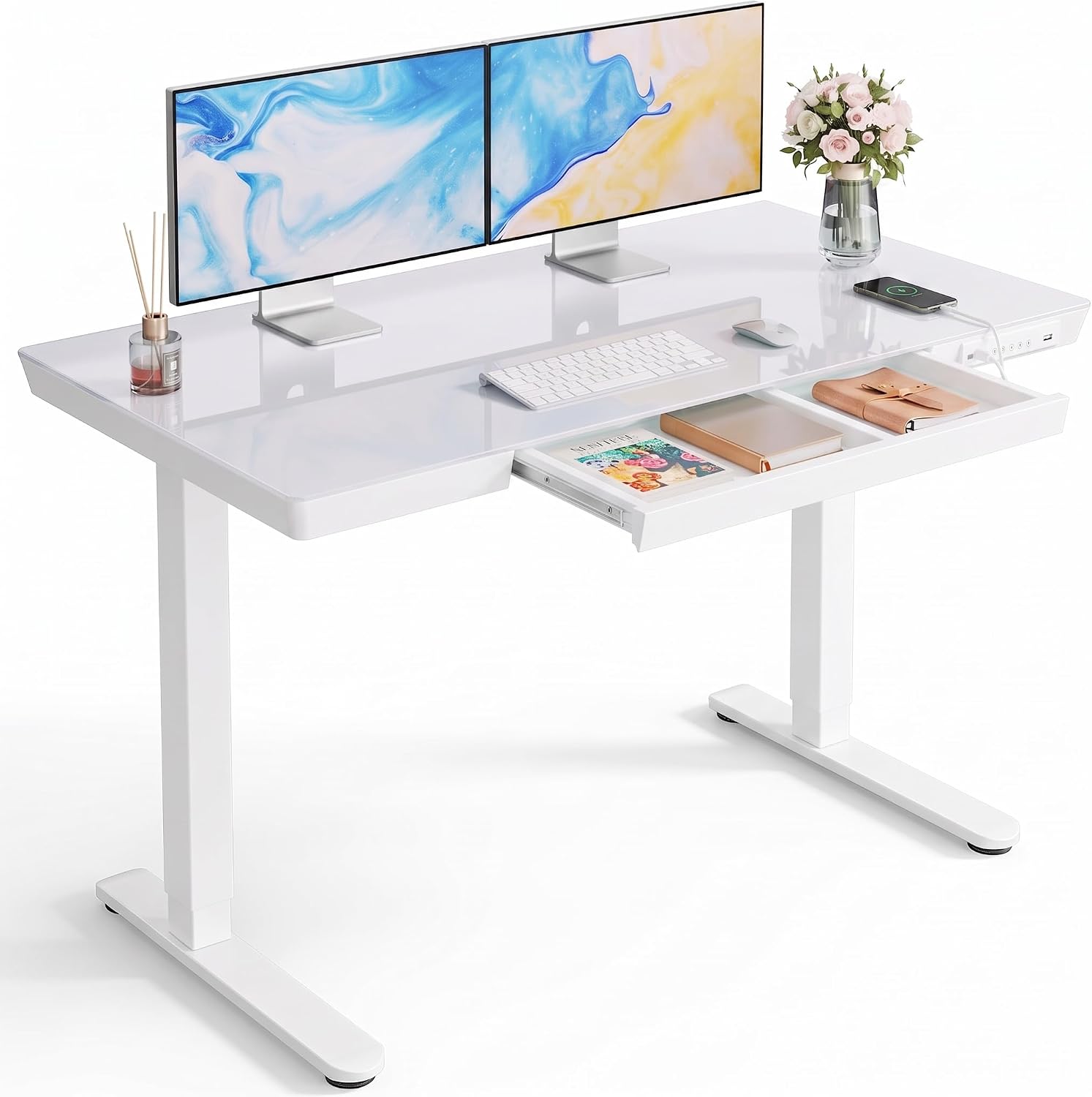
Stability is the most important factor in a standing desk, and the Jarvis excels here. Even at its maximum height, there is virtually no wobble during heavy typing.
The dual-motor system is quiet and smooth. It transitions between sitting and standing modes in under 10 seconds, which encourages frequent movement throughout the day.
Fully Jarvis Standing Desk
- Key Advantage: High-stability frame structure
- Specifications: 350lb lift capacity, memory keypad
- Warranty / Support: 15-year frame warranty
What We Liked
- Rock-solid stability
- Multiple desktop finishes
Things to Consider
- Heavy to assemble
5. BenQ ScreenBar Halo

Proper lighting prevents eye fatigue. The ScreenBar Halo mounts to the top of your monitor, directing light onto your desk without creating screen glare.
The backlighting feature provides a soft ambient glow behind the monitor, which reduces contrast strain. It is a simple upgrade that noticeably improves late-night productivity.
BenQ ScreenBar Halo
- Key Advantage: Zero screen glare design
- Specifications: Auto-dimming, wireless controller
- Warranty / Support: 1-year
What We Liked
- Saves valuable desk space
- Excellent color temperature
Things to Consider
- High price point
How to Choose the Best Ergonomic Gear for Your Needs
Prioritize adjustability. If a chair or desk does not fit your body proportions, it cannot be ergonomic.
Focus on materials. Breathable mesh is better for temperature regulation, while high-density foam offers more traditional support.
💡 Pro Buying Tip: Always measure your available desk space before ordering a standing desk frame, as some models are wider than standard home office footprints.